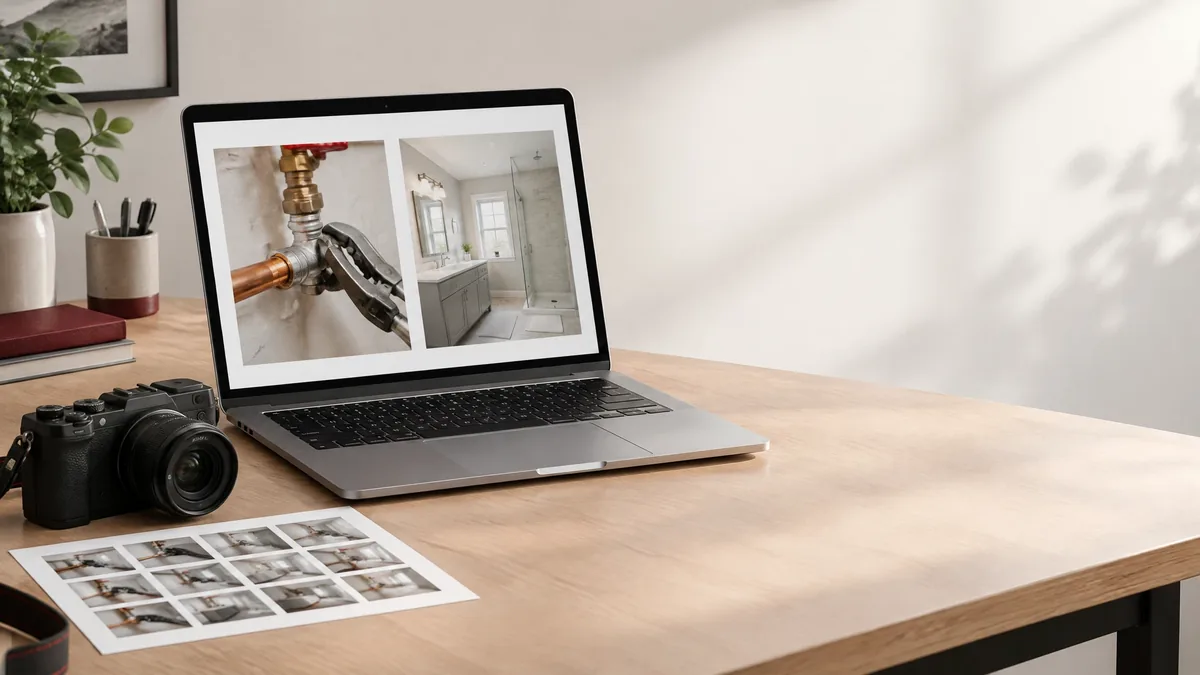
Hero image: AI-generated editorial illustration of a project-photo review desk; not a client project or evidence of work in Waxhaw.
A Waxhaw service-area page should show what a business actually does without making a photograph say more than it can support. A finished installation, repair detail, or team-at-work image can explain a service. It does not automatically prove the job happened in Waxhaw, that the business completed every part, or that a customer achieved a particular result.
Treat each image as evidence with a defined purpose. Before publishing, identify its source, the work it shows, your role, and the information a visitor needs to interpret it. This guide provides a practical photo-review workflow, not a template for another city page.
Separate Photo Evidence From Waxhaw Coverage
Start with two separate questions: does the business genuinely provide this service in Waxhaw, and what does this image demonstrate? Google advises businesses to make their Business Profile service areas specific and accurate. A photo library is not a substitute for that operational decision.
A genuine project from elsewhere may illustrate a service available in Waxhaw if its attribution is clear. Do not rename it a Waxhaw project. If the location is unknown or private, say only what you can verify. A street sign or recognizable building does not establish who performed the work or whether the business currently serves that area.
Use the page to state genuine coverage separately from the project caption. If you have no publishable Waxhaw job photos, explain the service with accurately labeled material rather than inventing local evidence.
Choose Original Photos and Label Illustrations
Prefer relevant original photos of work your business can accurately attribute. Keep a simple internal record of the photographer, project reference, your contribution, publication permission, and approved description. Original does not mean self-explanatory: a real photo still needs a truthful account of what your team did.
Licensed stock can illustrate a service, but licensing does not turn the pictured work into your project. Label it as a stock illustration where readers could mistake it for completed work. Apply the same distinction to an AI-generated website image: identify it as an illustration, not a job record or a before-and-after result.
Google's business-specific photo guidance says images should represent reality, with no significant alterations or excessive use of filters or AI. For Business Profile work photos, choose real imagery representative of the services offered rather than an invented scene.
Google Business Profile Help: Business-specific photo guidance
Write Captions That Explain Your Actual Role
A useful caption names the visible work and your verified role. Add a location or date only when documented and appropriate to publish. Clarify whether the image shows preparation, an intermediate stage, or finished work. If another provider completed part of the project, do not imply your team handled the whole job.
Hypothetical example, not a real client project: a contractor might caption a verified image, “Replacement deck boards installed by our team; the existing railing was retained. Project outside Waxhaw, shown to illustrate this service.” That explains the scope without borrowing a location claim.
Avoid adding a delighted homeowner, a performance improvement, or a completed inspection unless separately supported. A photograph records a visible condition, not customer satisfaction or long-term results. Google recommends placing images near relevant text and uses captions and page content to understand image subject matter.
Check Permission and Privacy Before Publishing
Use the following practical editorial recommendations before publishing on the website or Business Profile. This is not legal advice, and it does not replace checking applicable agreements or obtaining qualified advice when rights or consent are unclear.
- Confirm permission for the intended public use, not merely permission to take the photo.
- Check who owns the image and any license, credit, or reuse conditions.
- Review identifiable people, especially children, before selecting the image.
- Remove unnecessary house numbers, license plates, documents, access codes, and private interior details.
- Keep the approved image, caption, permission record, and publication destinations together.
Choose a different image when privacy cannot be protected without misrepresenting the work. Any crop or redaction should preserve the service detail being explained. If permission changes, the destination record makes it easier to find the places that need review.
Describe the Image Without City Keyword Stuffing
Alt text describes an image for people who cannot see it. Google recommends useful, contextual alt text and warns against keyword stuffing. Describe the meaningful visible subject rather than repeating a city and service phrase.
Hypothetical alt-text example: “New deck boards beside an existing white railing” describes the pictured detail. “Waxhaw deck contractor Waxhaw deck repair best Waxhaw decks” does not. Keep project attribution and service coverage in the nearby caption and page text, where readers can understand their limits.
Do not add Waxhaw to alt text merely because the image appears on a Waxhaw page. Review the description after cropping or replacing the image so it still matches what is visible.
Keep Website and Profile Photo Claims Aligned
Review the website gallery and Business Profile photos together. Can a visitor distinguish your actual work from illustrative material? Do the images support services still offered? Does a caption overstate your role or imply a Waxhaw project that the internal record cannot verify? Assign someone to revisit these details when services, permissions, or imagery change.
Google's people-first guidance emphasizes original value, accuracy, and helping readers achieve their goal. Here, the useful goal is understanding the work and its relevance before making an inquiry, not seeing a city name repeated around a gallery.
Do not promise that image metadata or Waxhaw geotags will improve local rankings. Photos should clarify the offer; they do not guarantee rankings, calls, or leads. Resolve uncertain attribution before publishing, even when an image looks appealing.
Google Search Central: Helpful, reliable, people-first content
An honest Waxhaw service-area page separates service coverage from photo location and visible work from unsupported outcomes. Use attributable originals when available, label illustrations, explain your role, protect private details, and write descriptions that match the image. The result is a page that helps visitors understand the service without inventing local projects or making promises the evidence cannot support.
Questions answered
Frequently Asked Questions
Can a Waxhaw service-area page use photos from projects elsewhere?
Yes, when the business genuinely offers the pictured service in Waxhaw and the photo's attribution does not imply the job happened there. State coverage separately and describe only verified work, role, and location details.
Can stock or AI images count as completed-project evidence?
No. A stock license permits particular uses but does not make the pictured work your project. A clearly labeled AI illustration may explain a website concept, but it cannot document a real job, customer, location, or result.
Should every project photo include Waxhaw in its alt text?
No. Describe the meaningful visible subject in context. Do not add a city simply because the image sits on a service-area page, and avoid repeated city and service keywords. Use nearby text to explain genuine coverage and project attribution.
Will geotagging photos guarantee better local rankings?
No ranking guarantee should be made. This guide does not establish a local-ranking benefit from adding image coordinates. Focus on accurate representation, useful image context, and the services the business genuinely provides.
Related Service Areas