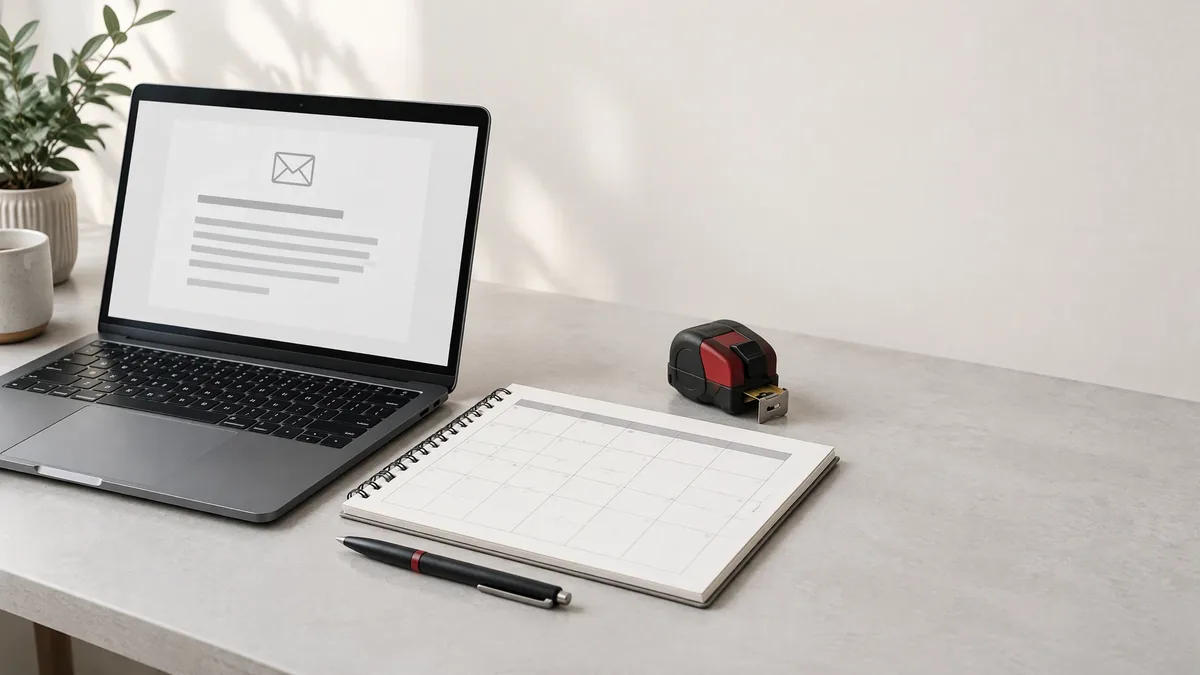
Hero image: AI-generated editorial illustration of an inquiry receipt beside an unmarked appointment planner; not a real booking or client record.
A contractor website can explain a service clearly and still leave someone confused immediately after they submit a request. A green checkmark or “You're booked!” message can imply that the contractor has accepted the work or reserved a visit when the system has only collected an inquiry.
For a contractor genuinely serving Monroe, that moment deserves its own review. The problem is not another missing service page or a badly ordered budget field. It is the handoff after submission: what was received, what remains undecided, and what the visitor should do next.
Separate Receipt, Acceptance, and Booking
Treat these as three different events. A received request means the submission reached the business's intake system. An accepted job means the contractor has agreed to take on defined work under its actual process. A booked appointment means an agreed date or time window has been reserved.
Match the confirmation headline to the event the workflow can verify. Use “Request received” for an inquiry, not “Appointment confirmed.” If a real scheduling system reserves appointments, identify the confirmed appointment and distinguish it from acceptance of the eventual repair or project.
A preferred visit date is still a preference until confirmed. Carry that distinction into any receipt or follow-up message so the visitor does not mistake a requested Tuesday morning for a reserved slot.
Show Success Only After Confirmed Receipt
Do not display success just because someone clicked Submit, the browser accepted the fields, or a loading animation finished. The page should wait for the backend, meaning the receiving service, to confirm that the inquiry reached its intended intake record or queue. A generic server response is not enough if it does not establish receipt.
Ask the developer which event produces the success screen and where the request can be found afterward. A saved inquiry and a staff email notification are separate outcomes. If the inquiry is retained but the notification fails, the business needs a recovery process; the page should not claim that a staff member has read it.
When a timeout leaves receipt uncertain, say that receipt could not be confirmed rather than declaring either success or definite failure. Provide a contact route for checking status before encouraging another submission.
Explain the Next Action and Contact Method
GOV.UK's confirmation-page pattern emphasizes what happens next, timing information, and service contact details. Apply that useful structure to a contractor inquiry without borrowing promises the business has not established.
Name the real next action: reviewing the request, asking a follow-up question, or arranging a conversation about a possible assessment. State whether the business will call, email, or use the visitor's selected method. Publish a response window only when the actual staffed workflow supports it; submission alone cannot confirm availability.
Hypothetical wording for an established email-review workflow: “Request received. Our office will review your details and reply by email to discuss the next step. No visit is booked. You do not need to submit again. For corrections, email the office and include your request reference.”
Place the actual monitored office email address beside that instruction. Include a reference only if the system supplies one the office can retrieve. If no response window is established, do not fill the gap with “within 24 hours.”
Keep Notifications and Public Promises Aligned
An email sent to the business is not an email sent to the prospect. Review both destinations separately. Do not tell the visitor “We've emailed you a receipt” when the system only alerts the office. Even a successfully dispatched prospect email does not establish that it arrived in the inbox or was read.
If a prospect acknowledgment exists, its wording should match the screen: request received, not work accepted or appointment booked. If none exists, make the screen usable as the receipt instead of directing someone to an email that will never be sent.
Google requires Business Profiles to reflect the business accurately. As a practical extension, compare profile descriptions, website buttons, and confirmation copy. A request-only process should not be introduced as guaranteed scheduling on another public surface.
Make Failed Submissions Clear and Accessible
A failed submission needs a useful state, not a vanished form or an endless spinner. Explain what can be corrected, retain entered details where safe, and give an appropriate retry or contact action. Never leave the success message visible after a known failure.
W3C explains that status updates appearing without a change of context must be programmatically identifiable so assistive technologies can announce them without taking focus. This covers relevant success, waiting, and error updates on the existing page; a new confirmation page is a different context.
W3C: Understanding accessible status messages
- Use readable text for sending, receipt, and failure states, not color or a checkmark alone.
- Have the developer provide appropriate status or error announcements for inline updates.
- Make correction and contact actions reachable by keyboard and understandable with a screen reader.
For uncertain receipt, direct the visitor to the monitored office contact and explain how to ask whether the request arrived. Avoid a retry instruction that assumes the first request was never saved.
Test the Handoff Without Sending Client Leads
Use internal quality assurance with a test backend and notifications routed to a controlled test inbox. Do not submit fake leads through a client's live form, contact real prospects, or reserve real appointment slots to check the wording.
Google Search Central: Helpful, reliable, people-first content
- Confirm that the success screen follows a retained test request and shows no unsupported booking claim.
- Simulate rejection, timeout, and notification failure; check the message and recovery action for each.
- Check office alerts and prospect acknowledgments separately, including a workflow with no prospect email.
- Review the sending and final states on a phone, with keyboard navigation, and with a screen reader.
Record which workflow event supports each public statement. Google's people-first guidance asks whether content helps readers achieve their goal. Here, that goal is understanding the request's actual status and next action, not seeing another Monroe keyword or an invented promise.
A Monroe contractor's confirmation should close the submission step without pretending to close the service decision. Confirm receipt only when supported, keep job acceptance and appointment booking separate, and name the real follow-up action and contact method. Pair truthful wording with accessible failure recovery and isolated internal testing so the visitor can understand what happened without guessing.
Questions answered
Frequently Asked Questions
Does submitting a contractor request book an appointment?
Not unless the actual scheduling workflow reserves an appointment and confirms it. A received inquiry, an accepted job, and a booked appointment are different events. A preferred date entered in a request is not a confirmed slot.
Can a confirmation say that an email was sent to the prospect?
Only when the workflow supports that statement. An office notification is not a prospect acknowledgment, and dispatch does not prove inbox delivery. If there is no prospect email, do not tell the visitor to check for one.
What should the page say when receipt is uncertain?
Explain that receipt could not be confirmed and show a monitored contact route for checking status. Do not imply success, but do not state that the request was definitely lost when a timeout leaves that unknown.
How can a contractor confirmation be tested without fake leads?
Use isolated internal QA with a test backend, controlled inboxes, and no live appointment reservations. Check confirmed receipt, rejection, timeout, notification failure, and accessible feedback without submitting fabricated inquiries to a client's live form.
Related Service Areas